Se um plugin de segurança do WordPress alerta você sobre as "configurações de detecção de IP", ou se sua aplicação PHP de repente registra o mesmo punhado de IPs para todos os visitantes, a causa é quase sempre a mesma: um proxy reverso como o Cloudflare está entre seus visitantes e seu servidor. Em resumo — mantenha REMOTE_ADDR como padrão, nunca confie cegamente em HTTP_CLIENT_IP e leia CF-Connecting-IP apenas quando tiver confirmado que a requisição realmente passou pelo Cloudflare. Aqui está o porquê de cada uma dessas recomendações.
O que cada valor realmente significa
No PHP, eles chegam como entradas de $_SERVER. Não são intercambiáveis — vêm de lugares completamente diferentes, e essa diferença é toda a história:
REMOTE_ADDR— o endereço IP de quem abriu a conexão TCP com seu servidor. O servidor web preenche esse valor a partir do próprio socket, então um cliente não pode forjá-lo. Este é o único valor confiável.HTTP_CLIENT_IPeHTTP_X_FORWARDED_FOR— cabeçalhos HTTP comuns da requisição. Qualquer entradaHTTP_*em$_SERVERé apenas um cabeçalho que o cliente enviou, o que significa que qualquer pessoa pode defini-lo com qualquer valor usando uma única linha decurl.HTTP_CF_CONNECTING_IP— o cabeçalhoCF-Connecting-IPque o Cloudflare adiciona, contendo o IP real do visitante. Confiável somente quando você pode garantir que a requisição passou pelo Cloudflare.
Por que atrás do Cloudflare o REMOTE_ADDR está "errado"
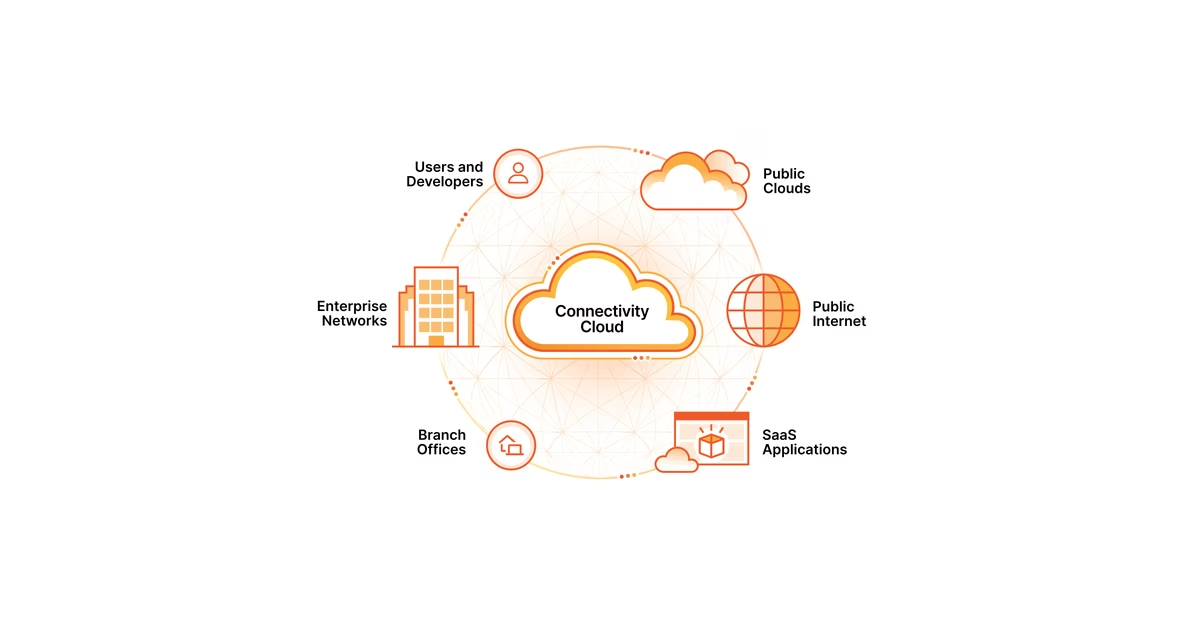
Quando o Cloudflare faz proxy do seu domínio, seus visitantes se conectam à borda do Cloudflare, e o Cloudflare abre uma nova conexão com seu servidor de origem. Do ponto de vista do seu servidor, o visitante é o Cloudflare — então REMOTE_ADDR é um IP da borda do Cloudflare, o mesmo para milhares de pessoas diferentes. Nada está quebrado; o proxy está apenas fazendo seu trabalho.
Para entregar a você o visitante original, o Cloudflare anexa o cabeçalho CF-Connecting-IP em cada requisição. Então, atrás do Cloudflare, a fonte correta é $_SERVER['HTTP_CF_CONNECTING_IP'], recorrendo a REMOTE_ADDR quando esse cabeçalho estiver ausente.
A armadilha de segurança: por que você não pode simplesmente confiar no cabeçalho
É tentador escrever "leia HTTP_CLIENT_IP ou X-Forwarded-For, caso contrário REMOTE_ADDR" e seguir em frente. Esse é exatamente o padrão que compromete sites. Como esses são cabeçalhos fornecidos pelo cliente, um atacante pode enviar:
curl https://your-site.example/wp-login.php \
  -H "X-Forwarded-For: 8.8.8.8" \
  -H "Client-IP: 1.1.1.1"
Se o seu controle de tentativas de login, firewall ou log de auditoria lê esses cabeçalhos, o atacante pode rotacionar um IP falso a cada requisição — derrotando limites de taxa, evadindo bloqueios de IP e envenenando seus logs. É por isso que um bom plugin de segurança alerta você antes de alterar o método de detecção: a configuração "mais conveniente" é muitas vezes a insegura.
O CF-Connecting-IP só está a salvo disso por causa de uma condição extra: sua origem precisa aceitar tráfego exclusivamente do Cloudflare. Se o seu servidor também for acessível diretamente pelo seu IP público, um atacante pode pular o Cloudflare e forjar o CF-Connecting-IP ele mesmo. Tranque a origem com Authenticated Origin Pulls ou um firewall que permita apenas as faixas de IP do Cloudflare, e o cabeçalho se torna confiável.
A configuração certa, em termos simples
- Servidor simples, sem proxy: use
REMOTE_ADDR. Pronto. - Atrás do Cloudflare: use
CF-Connecting-IP(HTTP_CF_CONNECTING_IP) e restrinja sua origem ao Cloudflare para que o cabeçalho não possa ser falsificado. - Atrás de outro proxy/CDN ou um balanceador de carga: use o cabeçalho que esse proxy documenta (frequentemente
X-Forwarded-For, pegando o salto confiável mais à direita) e, novamente, certifique-se de que a origem só aceita tráfego desse proxy.
Em plugins de segurança do WordPress como o All-In-One Security, é exatamente essa a escolha que a configuração de "detecção de IP" controla. Deixe-a em REMOTE_ADDR a menos que você esteja atrás do Cloudflare, caso em que mude para CF-Connecting-IP.
Como verificar se você acertou
A verificação de sanidade mais rápida é comparar o que seu servidor detecta com o seu IP público real. Abra o whatsmy.fyi a partir da mesma máquina: ele mostra exatamente o IP público pelo qual o mundo externo vê você. Se o IP que seu plugin ou aplicação registra para a sua própria visita corresponder a esse, a detecção está funcionando. (O whatsmy.fyi roda no próprio Cloudflare, então ele lê seu endereço a partir de CF-Connecting-IP da mesma forma que uma origem corretamente configurada faria — e não armazena nada.)
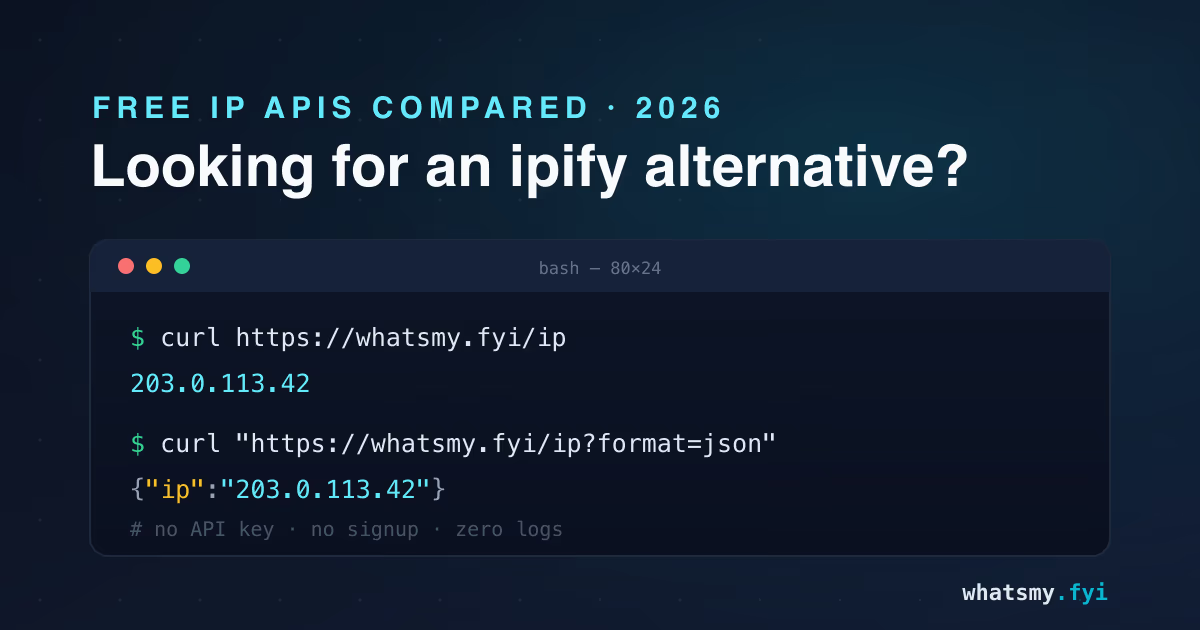
Se você está depurando programaticamente, o endpoint sem chave retorna o mesmo valor para scripts:
curl https://whatsmy.fyi/ip
# → your real public IP, as seen at the edge
Dois IPs que coincidem significam que sua detecção está correta. Se o seu servidor registra um IP do Cloudflare enquanto o whatsmy.fyi mostra o seu real, você ainda está lendo REMOTE_ADDR atrás do proxy — mude para CF-Connecting-IP. Se eles diferirem de qualquer outra forma, há uma VPN, uma divisão IPv4/IPv6 ou um segundo proxy no caminho — nossa nota sobre por que um IP pode mostrar a localização errada cobre esses casos.
O resumo em uma linha
REMOTE_ADDR é a verdade sobre a qual seu servidor não pode ser enganado; HTTP_CLIENT_IP é uma afirmação que qualquer um pode fazer. Atrás do Cloudflare, prefira CF-Connecting-IP e tranque sua origem para que ele permaneça confiável — depois confirme o resultado contra o seu endereço real no whatsmy.fyi.