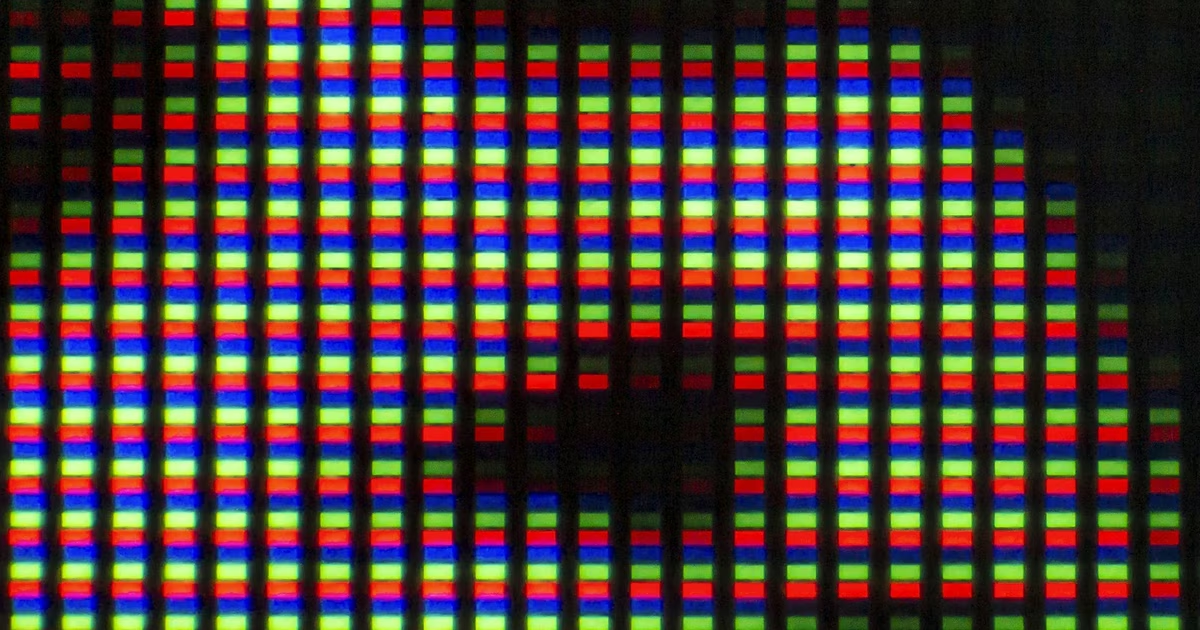
Color depth fingerprinting reads screen.colorDepth and screen.pixelDepth — two browser properties that reveal how many bits per pixel your display uses — and folds that value into your unique browser profile. It costs one line of JavaScript, requires no permissions, and works in every browser since 2015. You can see what your browser exposes right now on whatsmy.fyi.
TL;DR
screen.colorDepth returns an integer — almost always 24 or 32 — that describes how many bits your display uses to represent each pixel's color. On its own it carries modest entropy (~0.87 bits), but combined with screen resolution, device pixel ratio, hardware concurrency, timezone, and GPU data, it contributes to a fingerprint that achieves over 99% accuracy at identifying individual devices across millions of profiles. Unlike cookies, it cannot be deleted, blocked by cookie banners, or cleared with browser history.
What Is Color Depth Fingerprinting?
Color depth fingerprinting is one technique within the broader practice of browser fingerprinting — the collection of browser and hardware attributes to identify a device without storing anything on it. Every browser exposes two closely related properties on the Screen interface:
screen.colorDepth— the number of bits used to represent a single color value in the output device's color buffer (the display panel itself).screen.pixelDepth— the bit depth of the screen. On all modern browsers, this returns the same value ascolorDepthand the two are effectively identical.
Both properties are part of the CSSOM View Module specification and have been available since July 2015. They are read-only, require no user gesture or permission prompt, and are accessible on every page load. Unlike canvas fingerprinting or WebGL fingerprinting, which require complex rendering operations, reading color depth is instantaneous and always succeeds.
How Does Color Depth Fingerprinting Work?
A fingerprinting script reads the value in one line, then combines it with dozens of other attributes to build a composite device profile.
// Reading color depth — one line, no permissions, always succeeds
const colorDepth = screen.colorDepth; // e.g. 24 or 32
const pixelDepth = screen.pixelDepth; // identical on modern browsers
// Common values returned across real devices
// 24 — standard True Color (16.7 million colors)
// 30 — Deep Color / HDR panels (1 billion colors)
// 32 — True Color + 8-bit alpha channel (common on Windows)
// How a fingerprinter combines it with other screen signals
const screenProfile = {
colorDepth: screen.colorDepth,
pixelDepth: screen.pixelDepth,
width: screen.width,
height: screen.height,
availWidth: screen.availWidth,
availHeight: screen.availHeight,
devicePixelRatio: window.devicePixelRatio,
};
// This seven-value object produces millions of unique combinations
// across real-world device populations.The value itself is entirely determined by your physical display hardware and operating system configuration. A standard 1080p monitor reports 24; a Windows machine with a 32-bit display driver reports 32; an HDR-capable panel may report 30. Because these values are hardware-derived, they are consistent across every browser session, every network, and every private window on the same device.
Why colorDepth and pixelDepth Are Nearly Always Identical
Historically, colorDepth referred to the color component only (red, green, blue channels), while pixelDepth included any additional bits such as an alpha channel. In practice, every major browser implementation has converged on returning the same integer for both. The CSSOM specification formally allows any unsigned long value, but real implementations return 24 or 32 for the overwhelming majority of desktop displays and 24 for mobile devices.
The Browser Standardisation Quirk
Firefox and Safari both return 24 regardless of actual hardware depth, even on displays capable of 30-bit Deep Color. Chrome reports the true hardware value. This means a Chrome user on a 32-bit Windows display and a Firefox user on identical hardware report different values — a subtly identifying difference that fingerprinting systems record alongside the browser user-agent string.
Color Depth Signal: Statistics and Entropy
Color depth is a "weak" fingerprinting signal individually — the range of possible values is narrow and most users share the same value. Its power comes from combination.
| Signal / Finding | Value | Source |
|---|---|---|
Individual entropy of screen.colorDepth | ~0.87 bits | Fingerprint.com Research |
| Dominant value across modern devices | 24-bit (True Color) | CSSOM / browser compatibility data, 2025 |
| Combined fingerprint uniqueness (33+ signals incl. color depth) | > 99% | Fingerprint.com Research |
| Browsers with unique fingerprints (EFF dataset, 1M+ samples) | 83.6% | EFF Cover Your Tracks |
| Firefox / Safari reported value (regardless of hardware) | Always 24 | MDN Browser Compatibility Data, 2025 |
| Chrome reported value on Windows 32-bit display drivers | 32 | BrowserLeaks |
The low individual entropy is why fingerprinting scripts never rely on color depth alone. Instead, platforms like Fingerprint.com layer it with screen resolution, device pixel ratio, hardware concurrency (CPU cores), device memory, timezone offset, language list, installed fonts, canvas hash, and WebGL GPU data — producing a composite identifier that is effectively unique across populations of tens of millions of devices.
Who Uses Color Depth Data in the Real World?
Commercial Fingerprinting Platforms
Fingerprint.com (formerly FingerprintJS) is the most widely deployed commercial fingerprinting platform. Their public documentation explicitly lists screen.colorDepth as one of 33+ signals collected in every fingerprint. It is used in fraud detection, account takeover prevention, bot detection, and payment security by thousands of e-commerce and banking sites.
Privacy Research Tools
The EFF's Cover Your Tracks includes screen resolution and color depth as one of its measured fingerprinting dimensions. After testing over one million browsers, the EFF concluded that 83.6% of browsers carry a completely unique fingerprint — a figure that depends partly on color-depth variation across the dataset. BrowserLeaks similarly includes color depth in its 40+ signal comprehensive fingerprint test.
Ad-Tech and Cross-Site Tracking
Advertising networks use multi-signal fingerprints — including color depth — to re-identify users after cookie deletion, across private browsing sessions, and across different browsers on the same device. This technique became more valuable as major browsers deprecated third-party cookies: a fingerprint that includes color depth, screen resolution, and GPU data can persist across cookie resets.
Paywall and Metered Access Enforcement
Publishers that enforce article limits use fingerprinting to detect users who clear cookies to reset their article counter. Color depth, combined with screen size and hardware concurrency, forms part of the stable device signature that survives cookie deletion. Because color depth is hardware-derived, it does not change between sessions.
Color Depth vs. Related Screen Signals
Color depth does not exist in isolation — fingerprinters collect it alongside a cluster of related screen signals. Understanding the differences helps clarify why each one contributes entropy:
screen.colorDepth/screen.pixelDepth: Bits per pixel on the physical display. Hardware-derived, stable, almost always 24 or 32.screen.width/screen.height: Physical pixel dimensions of the display. Combined with color depth, creates a narrower device category. See the screen fingerprinting guide.window.devicePixelRatio: The ratio of CSS pixels to physical pixels. High-DPI (Retina) displays return 2 or 3, adding another distinguishing dimension.- Canvas rendering: The color depth of the display affects how canvas elements render gradients and shadows, so color depth variation can contribute to canvas fingerprint variation. See canvas fingerprinting.
How to Protect Yourself from Color Depth Fingerprinting
Because color depth is a hardware property read directly via a browser API, protection requires either spoofing the API response or standardising it across all users. These options are ranked from most effective to most practical for everyday use:
- Firefox with
privacy.resistFingerprinting(strongest): When this flag is set totrueinabout:config, Firefox always reports 24 for bothcolorDepthandpixelDepth, regardless of actual hardware. This makes your browser indistinguishable from every other Firefox user with the same setting — the goal of "hiding in the crowd." Some sites that rely on display-specific rendering may behave unexpectedly. - Tor Browser (maximum anonymity): Tor Browser builds on Firefox's fingerprint resistance and standardises all screen values — including color depth — so that every Tor user appears identical. This is the strongest protection available but comes with speed trade-offs from the Tor network.
- Brave Browser (recommended for daily use): Brave's Farbling system does not randomise color depth (a low-entropy integer), but it aggressively randomises higher-entropy signals like canvas and WebGL output, significantly reducing the overall fingerprint's precision even if color depth remains accurate.
- Privacy-focused browser extensions: Extensions such as CanvasBlocker can be configured to intercept Screen API calls and return spoofed values, but this can create detectable inconsistencies — for example, reporting 24-bit color depth on a display whose canvas output encodes 32-bit color information.
- Understand the limits of partial measures: Masking color depth alone has minimal privacy impact because the value is low-entropy and shared by many users. Effective protection requires covering the full set of fingerprinting signals simultaneously — not just individual properties. Check how identifiable your current browser is on whatsmy.fyi.
Frequently Asked Questions
What values does screen.colorDepth return?
In practice, the values you will see across real devices are 24 (True Color — the universal standard since the late 1990s, supporting 16.7 million colors), 32 (True Color plus an 8-bit alpha channel, common on Windows with certain display drivers), and occasionally 30 (Deep Color / HDR panels supporting 1.07 billion colors). Values of 8 or 16 bits are effectively obsolete on modern hardware.
Is screen.colorDepth different from screen.pixelDepth?
Technically, colorDepth describes the color output channel depth while pixelDepth includes any additional bits (such as alpha). In every real browser implementation today, however, both return the same integer. The distinction exists only in the W3C specification; in practice they are identical, and fingerprinting scripts typically read both to confirm consistency.
Does color depth fingerprinting work in private / incognito mode?
Yes. Private browsing prevents saving cookies, history, and form data to disk — but it does not alter your display hardware or the values returned by Screen API properties. Your screen.colorDepth is identical in incognito mode and in a normal browser window. Only browsers with active fingerprint standardisation (Firefox with privacy.resistFingerprinting, Tor Browser) report a different value.
How much does color depth contribute to fingerprint uniqueness?
On its own, color depth contributes approximately 0.87 bits of entropy — a modest contribution, because most modern devices share the same 24-bit or 32-bit value. However, uniqueness is not the goal for individual weak signals: fingerprinting systems combine 33 or more signals, and each additional weak signal narrows the identification space. Color depth is most useful as a disambiguating signal between devices that share the same resolution, timezone, and GPU but differ in display configuration.
Does a VPN change my color depth fingerprint?
No. A VPN changes your visible IP address and routes your traffic through an encrypted tunnel, but it has no effect on what your browser reports for screen.colorDepth. That value is read directly from your operating system's graphics configuration, which is unrelated to network routing. Verify what your VPN is and is not hiding on whatsmy.fyi.
Can websites detect if I am spoofing screen.colorDepth?
Sophisticated fingerprinting systems can detect inconsistencies. If your browser reports 24-bit color depth but your canvas fingerprint encodes color patterns consistent with 32-bit hardware, the mismatch itself becomes a signal — and ironically may make you more identifiable than if you had reported the true value. Effective spoofing requires consistent fake values across all related signals simultaneously, which is why browser-level standardisation (Tor, Firefox's resistFingerprinting) is more robust than extension-based patching.
Which browsers standardise screen.colorDepth for privacy?
Firefox with privacy.resistFingerprinting = true reports 24 regardless of hardware. Tor Browser (which is built on Firefox) does the same. Safari also always reports 24 as a side effect of its implementation, not explicitly as a privacy measure. Chrome reports the true hardware value. Brave does not specifically standardise color depth but applies Farbling to higher-entropy signals in its fingerprint protection suite.
Related Articles
- What Is Screen Fingerprinting? How Resolution and Display Data Track You — how screen.width, screen.height, and devicePixelRatio combine to identify your device
- What Is Canvas Fingerprinting? How Websites Track You Without Cookies — how GPU rendering differences produce a unique pixel-level identifier
- What Is Browser Fingerprinting? How Sites Track You Without Cookies — the complete guide to how all fingerprinting signals are combined into a single profile
- What Is WebGL Fingerprinting? How Your GPU Identifies Your Browser — how the 3D graphics API exposes your GPU vendor, model, and driver version